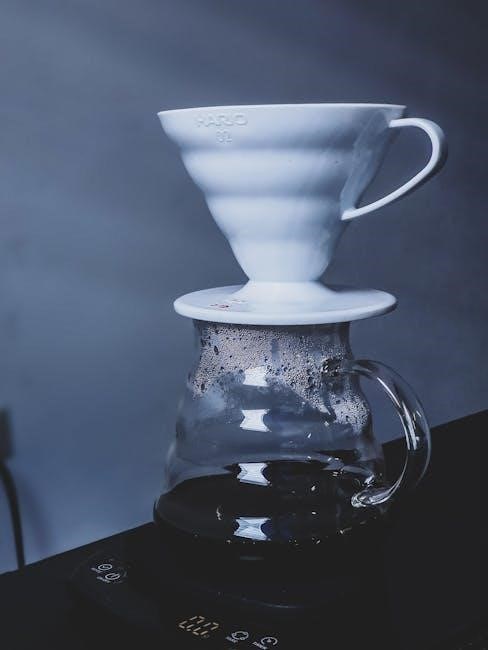
Drew Barrymore Coffee Maker Instruction Manual: A Comprehensive Guide
This manual provides detailed instructions for the Beautiful 14-Cup Touchscreen Coffee Maker, ensuring optimal performance and enjoyment of your Drew Barrymore appliance.

Welcome to the world of beautifully brewed coffee! This Drew Barrymore Coffee Maker isn’t just an appliance; it’s a statement piece designed to elevate your daily ritual. Combining elegant aesthetics with innovative functionality, this 14-cup touchscreen coffee maker promises a delightful experience.
Whether you prefer a bold, invigorating start to your day or a mellow, comforting cup, this machine delivers. This manual will guide you through every step, from initial setup and programming to cleaning and troubleshooting. Prepare to rediscover your love for coffee with a touch of Beautiful.
Unboxing and Component Identification
Carefully unpack your Beautiful Coffee Maker and verify all components are present. You should find the coffee maker unit itself, a glass carafe, a removable filter basket, a permanent filter (may be optional, check packaging), the water reservoir, and this instruction manual.
Inspect each part for any shipping damage. Retain the packaging for potential future transport or warranty claims. Familiarize yourself with the touchscreen control panel and the exterior features. Proper identification of each component will ensure a smooth setup and operation of your new coffee maker.
Initial Setup and First-Time Use

Before brewing your first pot, it’s crucial to prepare the coffee maker. Place the unit on a stable, level surface. Ensure adequate space around the machine for ventilation and easy access. Remove any protective films or stickers. Rinse the carafe, filter basket, and water reservoir with warm, soapy water, then dry thoroughly.
This initial cleaning removes any manufacturing residue. It’s recommended to run a full brewing cycle with only water before making coffee, discarding the water afterward. This further cleans the internal components and primes the system for optimal flavor.
Water Reservoir Filling and Filter Installation
To fill the water reservoir, remove it from the coffee maker and open the lid. Fill with fresh, filtered water to the desired level, referencing the water level markings on the reservoir. Do not exceed the maximum fill line. Replace the reservoir securely into the coffee maker base.
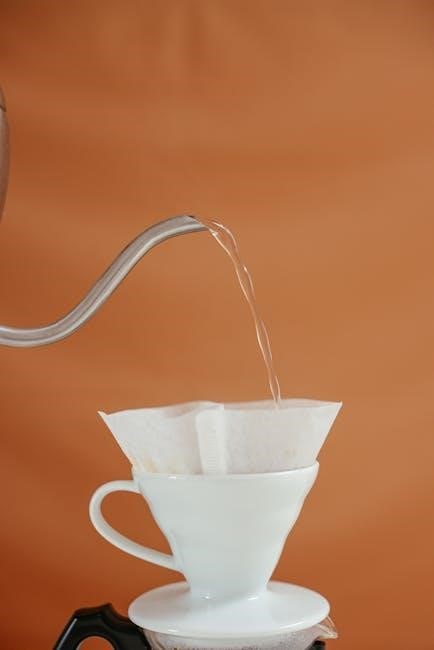
Next, install a paper filter into the filter basket. Ensure the filter is properly seated and unfolded. For optimal results, consider using a size #4 cone filter. Alternatively, the reusable filter (if included) can be used after thorough cleaning.
Powering On and Setting the Clock
Plug the coffee maker into a grounded electrical outlet. Press the power button to turn on the appliance. The touchscreen display will illuminate. To set the clock, navigate to the “Clock” or “Settings” option on the touchscreen. Use the up and down arrows, or directly input the time, to set the correct hour and minute.
Confirm your settings by pressing the “Select” or “Save” button. Accurate time setting is crucial for utilizing the auto-brew and delay brew functions effectively. Ensure the AM/PM indicator is correctly displayed.
Brewing Coffee: Standard Operation
Begin by ensuring the water reservoir is filled and a filter is correctly installed. Add your desired amount of ground coffee to the filter basket. Select your preferred brew strength – Bold, Medium, or Light – using the touchscreen controls. Place a carafe securely on the warming plate. Press the “Brew” or “Start” button to initiate the brewing cycle.
The coffee maker will automatically heat the water and brew the coffee. Brewing time varies depending on the amount of coffee and selected brew strength. Once complete, the coffee maker will keep the coffee warm.
Adding Coffee Grounds and Water
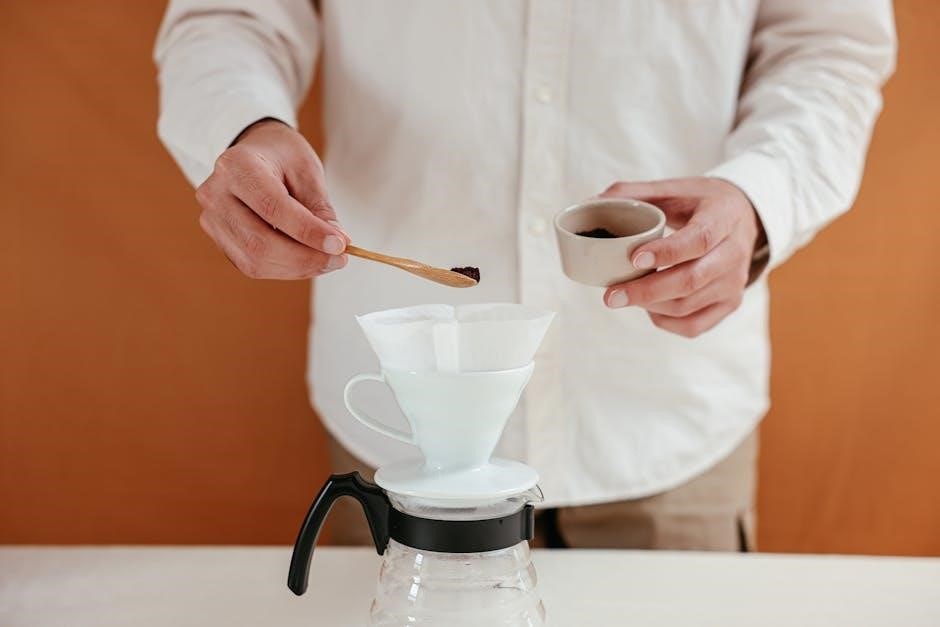
Before brewing, open the filter basket. Insert a paper filter, ensuring it sits correctly. Add ground coffee – a general guideline is one to two tablespoons per six ounces of water, adjust to your preference. Carefully pour fresh, cold water into the water reservoir, noting the level markings to avoid overfilling.
Ensure the water level corresponds to the desired number of cups. Close the filter basket securely. Improperly inserted filters or overfilled reservoirs can affect brewing quality and potentially damage the machine.
Selecting Brew Strength (Bold, Medium, Light)
The Drew Barrymore coffee maker offers three brew strength options: Bold, Medium, and Light. After adding coffee grounds and water, use the touchscreen to navigate to the brew strength selection. Tapping the desired option will illuminate it, indicating your choice.
Bold delivers a richer, more intense flavor, ideal for those who prefer a strong cup. Medium provides a balanced taste, suitable for everyday enjoyment. Light offers a milder, smoother brew. Experiment to discover your perfect strength!
Programming the Coffee Maker
The Drew Barrymore coffee maker allows for convenient programming, enabling you to wake up to freshly brewed coffee. Access the programming functions through the touchscreen’s “Program” or “Timer” option. You’ll be prompted to set the desired brew time, specifying the hour and minute. Ensure the correct AM/PM setting is selected.
Once programmed, the coffee maker will automatically initiate brewing at the designated time. Remember to have water and coffee grounds prepared the night before for a seamless morning routine. Enjoy!
Setting the Auto-Brew Timer
To set the auto-brew timer on your Drew Barrymore coffee maker, first navigate to the “Program” function on the touchscreen. Use the up and down arrows to precisely set the hour you want the brewing process to begin. Confirm your selection, then repeat the process to set the desired minute. Double-check the AM/PM indicator to ensure accuracy.
Once both time components are set, confirm your programmed time. The coffee maker will retain this setting until altered, providing consistent automated brewing. Prepare your coffee grounds and water the night before!
Using the Delay Brew Function
The Delay Brew function allows you to postpone brewing for a specified duration. Access this feature through the “Delay Brew” option on the touchscreen interface. Utilize the arrow buttons to select the desired delay time, typically ranging from minutes to hours. This is ideal for scheduling brewing to coincide with your wake-up time or arrival home.
Confirm your selection, and the coffee maker will initiate brewing after the set delay. Ensure sufficient water and grounds are present before activating this function for a seamless experience. Enjoy freshly brewed coffee exactly when you want it!
Special Features and Functions
The Drew Barrymore Coffee Maker boasts several unique features enhancing your brewing experience. The innovative “Bloom” feature pre-infuses the grounds, releasing trapped gases for a richer, more flavorful cup. A customizable “Keep Warm” function maintains coffee temperature for a desired duration, preventing it from becoming stale.
The intuitive touchscreen interface provides easy access to these functions and simplifies operation. Explore these features to personalize your brewing process and consistently enjoy café-quality coffee in the comfort of your home. These additions elevate the coffee-making ritual.
The “Bloom” Feature Explained
The “Bloom” feature, a pre-infusion stage, is crucial for optimal coffee extraction. When activated, a small amount of hot water saturates the coffee grounds, allowing them to “bloom” – releasing carbon dioxide. This degassing process enhances flavor by preparing the grounds for even saturation during the full brewing cycle.
Essentially, blooming unlocks the coffee’s full potential, resulting in a smoother, less bitter, and more aromatic brew. It mimics the professional barista technique, ensuring a superior coffee experience with your Drew Barrymore coffee maker. Experiment with it!
Keep Warm Function Duration and Control

The Drew Barrymore coffee maker’s Keep Warm function maintains your brewed coffee at an optimal temperature for enjoying a hot cup over an extended period. By default, the keep-warm duration is set to two hours, providing ample time without significantly impacting flavor quality.
However, users can often adjust this duration via the touchscreen controls, selecting shorter or longer keep-warm times to suit their preferences. Be mindful that prolonged warming can alter the coffee’s taste, so consume it within the recommended timeframe for the best experience.
Cleaning and Maintenance
Regular cleaning ensures your Drew Barrymore coffee maker continues to deliver exceptional coffee. Daily, rinse the carafe, filter basket, and removable parts with warm, soapy water after each use. Avoid abrasive cleaners, which can damage the surfaces.
Periodically, descale the coffee maker to remove mineral buildup, typically every 3-6 months depending on water hardness. Use a commercially available descaling solution or a mixture of vinegar and water, following the manufacturer’s instructions. Proper maintenance extends the lifespan and performance of your appliance.
Daily Cleaning Procedures
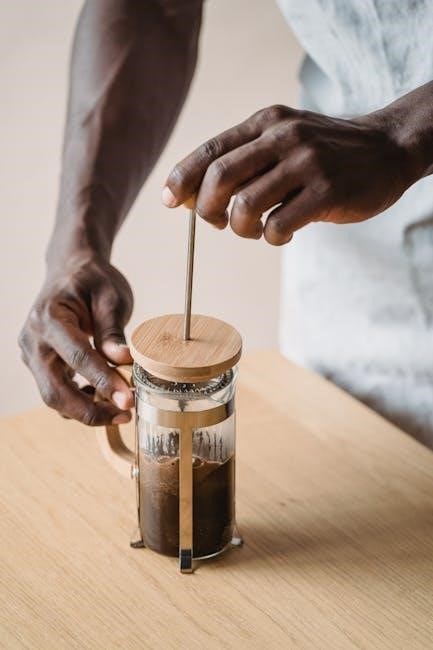
After each brewing cycle, promptly discard used coffee grounds and rinse the filter basket thoroughly with warm, soapy water. The carafe should also be washed with warm, soapy water, ensuring all coffee residue is removed. Wipe down the exterior of the coffee maker with a damp cloth to maintain its sleek appearance.
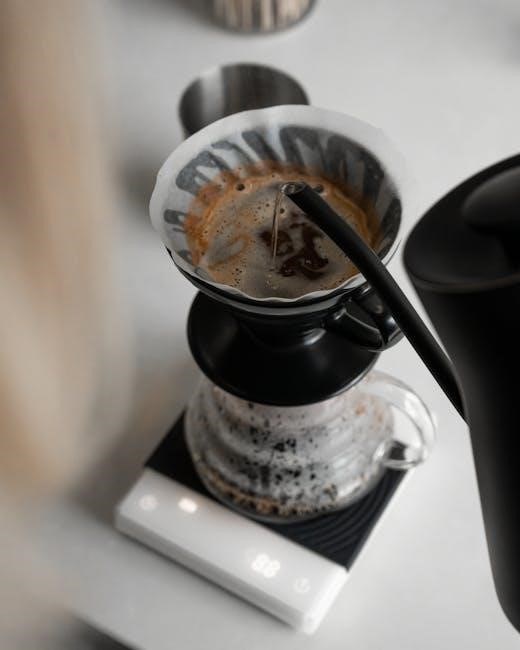
Avoid immersing the main unit in water. Removable parts are dishwasher safe (top rack recommended), but hand washing preserves their finish. Consistent daily cleaning prevents buildup and ensures optimal flavor in every brew.
Descaling the Coffee Maker

Regular descaling, approximately every 3 months, removes mineral buildup that can affect performance and coffee taste. Mix equal parts white vinegar and water, then pour the solution into the water reservoir. Run a full brewing cycle without coffee grounds;
Follow with two full cycles using fresh water to rinse away any remaining vinegar. This process ensures optimal water flow and extends the lifespan of your Drew Barrymore coffee maker. Ignoring descaling can lead to reduced brewing speed and potential damage.
Troubleshooting Common Issues
If the coffee maker won’t turn on, check the power cord connection and ensure the outlet is functioning. For slow brewing, descaling is often the solution, as mineral buildup restricts water flow. If the display is unresponsive, try resetting the appliance by unplugging it for several minutes.
Consistent issues may indicate a need for professional service. Refer to the warranty information for assistance. Always prioritize safety and avoid disassembling the unit yourself. A properly maintained Drew Barrymore coffee maker delivers consistent results.
Coffee Maker Not Turning On
If your Drew Barrymore coffee maker fails to power on, first verify the power cord is securely plugged into both the appliance and a working electrical outlet. Test the outlet with another device to confirm it’s receiving power. Check the circuit breaker or fuse box to ensure the circuit hasn’t tripped or blown.
If the issue persists, attempt a reset by unplugging the coffee maker for five to ten minutes before plugging it back in. Avoid using extension cords if possible, and contact customer support if these steps don’t resolve the problem.
Coffee Brewing Too Slowly
If your Drew Barrymore coffee maker is brewing exceptionally slowly, the most common cause is mineral buildup. Descale the machine following the instructions in the ‘Descaling the Coffee Maker’ section of this manual. Ensure the water reservoir isn’t overfilled, as this can also slow the brewing process.
Additionally, verify the coffee filter is correctly placed and isn’t clogged. Using too fine a coffee grind can also restrict water flow. Try a coarser grind or a different brand of filter if the problem continues.
Safety Precautions
Always ensure the coffee maker is placed on a stable, heat-resistant surface. Never operate the appliance with a damaged cord or plug. To prevent electrical shock, do not immerse the coffee maker, cord, or plug in water or other liquids.
Keep the appliance out of reach of children. The carafe is made of glass; handle with care to avoid breakage. Do not touch hot surfaces; use handles or knobs. Unplug the coffee maker before cleaning and allow it to cool completely before disassembly.
Warranty Information
Your Drew Barrymore Coffee Maker is warranted against defects in materials and workmanship for a period of one (1) year from the date of original purchase. This warranty covers normal household use. Damage resulting from misuse, abuse, accident, alteration, or unauthorized repair is not covered.
To obtain warranty service, please contact customer support with proof of purchase. The warranty does not cover incidental or consequential damages. See complete warranty details included within the product packaging for full terms and conditions.
Frequently Asked Questions (FAQ)
Q: Why isn’t my coffee maker turning on? Ensure the power cord is securely plugged in and the outlet is functioning. Q: Can I use any type of filter? We recommend using standard #4 cone filters for optimal brewing. Q: How often should I descale the machine? Descale every 3-6 months, depending on water hardness. Q: What does the “Bloom” feature do? It pre-wets the grounds for enhanced flavor. Q: Is the carafe dishwasher safe? Yes, the carafe is top-rack dishwasher safe.
Where to Find Additional Support and Resources
For comprehensive assistance with your Beautiful Coffee Maker, visit the Drew Barrymore Official Website at [insert website address here]. There, you’ll find helpful videos, additional FAQs, and downloadable resources. If you require direct support, please contact our dedicated Customer Support Contact Information team via phone at [insert phone number here] or email us at [insert email address here]. We are committed to ensuring your complete satisfaction with your new appliance and are here to help!
Drew Barrymore Official Website
The official Drew Barrymore website serves as a central hub for all things Beautiful kitchen appliances, including your coffee maker. You’ll discover an extensive library of resources, such as detailed product specifications, frequently asked questions tailored to common issues, and downloadable versions of this instruction manual. Explore inspiring recipes designed to complement your freshly brewed coffee, and browse a gallery of user-submitted photos. Visit [insert website address here] for the ultimate support experience!
Customer Support Contact Information
For personalized assistance with your Drew Barrymore coffee maker, our dedicated customer support team is readily available. You can reach us via phone at [insert phone number here] during business hours, Monday through Friday, 9 AM to 5 PM EST. Alternatively, email your inquiries to [insert email address here] and expect a response within 24-48 hours. Please have your model number (CM1199-UL) and purchase date handy to expedite the support process. We are committed to ensuring your complete satisfaction!